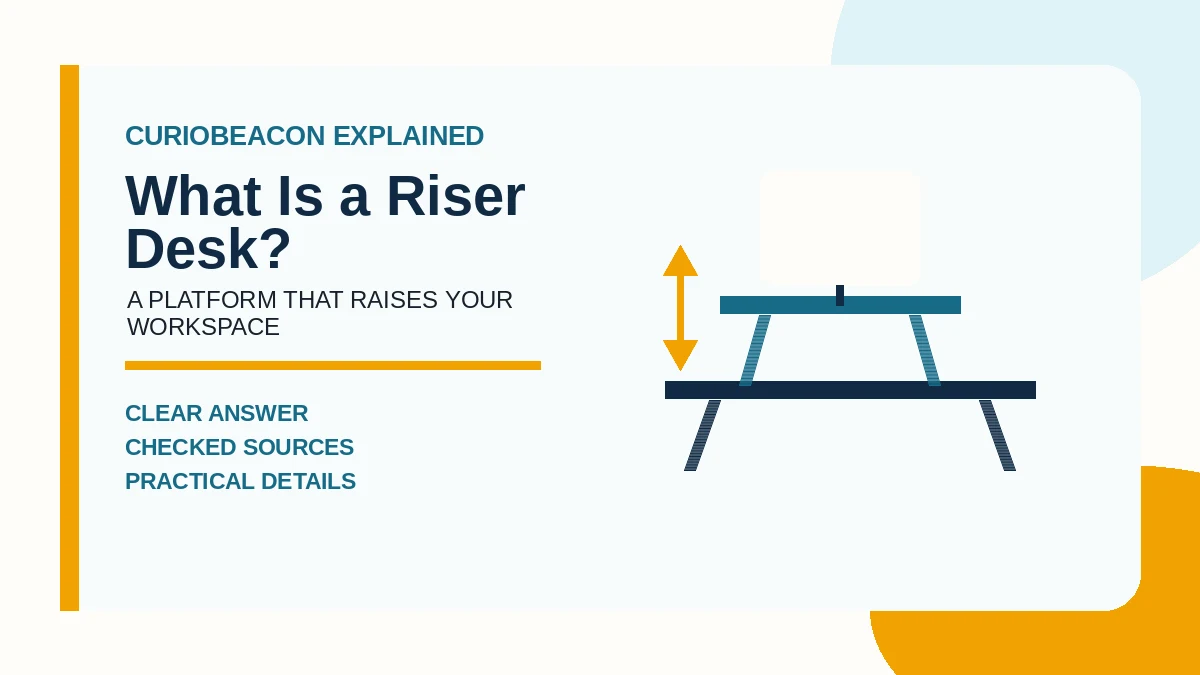
A riser desk is an adjustable platform that sits on top of an existing desk and raises your computer setup for standing work. Most models move the monitor and keyboard together, so you can alternate between seated and standing positions without replacing the desk. It is also called a standing-desk converter or desktop converter. A fixed monitor stand may be sold as a “desk riser,” but it does not perform the same job.
The name is not standardized, so the product description matters more than the label. If a unit raises only a screen or laptop, it is a monitor or laptop stand. A true sit-stand riser provides a usable input surface—or works with a separate keyboard tray—at both seated and standing heights.
How a riser desk works
A riser uses a moving frame between its base and work surface. You place the base on a stable desk, arrange your equipment on top, and raise or lower the platform. Common lift systems include spring-assisted levers, scissor or X-shaped frames, folding Z-frames, hand cranks, and electric motors. The manufacturer sets the adjustment range and maximum supported load.
Many models have two levels: an upper platform for one or more monitors and a lower tray for the keyboard and mouse. Compact models may have one surface, which can work for a laptop but may not let you position the screen and keyboard independently.
Riser desk vs. similar products
| Product | What moves | Best fit | Main limitation |
|---|---|---|---|
| Riser desk or standing-desk converter | A platform on top of the existing desk | Keeping a fixed desk while adding sit-stand adjustment | Uses part of the old desktop and adds height even when lowered |
| Full sit-stand desk | The entire desktop and its legs | A larger adjustable work surface | Replaces the existing desk and usually takes more setup |
| Monitor or laptop riser | Only the display or computer | Changing screen height | Does not create a standing-height keyboard surface |
| Desk-leg risers | The whole fixed desk, from underneath its legs | A one-time height increase | Not designed for frequent seated-to-standing changes |
What to measure before choosing one
A converter can have enough lift but still be a poor fit. Check these points against the specifications for the exact model:
- Base footprint: Measure the clear width and depth of the existing desktop. Include any curved front edge, shelf, hutch, or wall obstruction.
- Movement path: Some platforms rise vertically; others swing forward as they rise. Confirm that the moving surface will not hit a wall, shelf, or the user.
- Lowest working height: Add the riser’s collapsed keyboard height to the height of the existing desk. If that total is already above comfortable seated elbow height, the seated position may not work.
- Highest working height: The keyboard surface must rise far enough for standing use without requiring raised shoulders or bent wrists.
- Usable surface: Measure the monitor bases, keyboard, mouse area, docking station, and any items that must move with the platform—not just the advertised overall width.
- Total equipment weight: Add every item that will be lifted and stay below the manufacturer’s stated load limit. Check whether a monitor arm changes that limit.
- Cable travel: Power, display, and accessory cables need enough slack for the full motion without snagging, while remaining secured away from the lift mechanism.
Use posture, not a generic height chart, as the final check
The OSHA computer-workstation purchasing guide says a keyboard should be around elbow height and gives broad purchasing ranges of 22–30 inches for seated work and 36–46.5 inches for standing work. Those are equipment ranges, not a personal prescription. Body proportions, shoes, keyboard thickness, and the height of the existing desk all change the fit.
OSHA also advises enough depth to keep the monitor at least 20 inches away, room for the keyboard and pointing device, and a tabletop unit that fits securely and supports the equipment’s size, weight, and quantity. A riser that reaches the advertised maximum but forces the mouse off to one side does not create a well-arranged workstation.
How to set up a riser desk
- Put the base fully on a sturdy, level surface and follow the manufacturer’s assembly and anchoring instructions.
- Start in the lowest position. Place the keyboard directly in front of you and the mouse next to it so both are easy to reach.
- Center the main monitor. Adjust its height so you can look ahead without tipping your head noticeably up or down.
- Raise the unit while supporting it as the instructions require. Stop when your shoulders remain relaxed, your elbows stay close to your body, and your wrists remain approximately straight.
- Move through the entire adjustment range once. Watch every cable and confirm the platform locks securely at each intended position.
- Recheck the seated position. A converter should not solve standing height by making seated input height uncomfortable.
The OSHA desk guidance emphasizes keeping frequently used devices in easy reach and arranging the screen, keyboard, and chair to avoid awkward postures. These checks are more useful than choosing a model solely by the user-height range printed in an advertisement.
When a riser desk makes sense
- You already have a sturdy desk that you want or need to keep.
- You want to change position during the day without replacing the entire workstation.
- Your monitor, keyboard, and mouse fit within one converter’s surface and load limits.
- The existing desk is deep enough for both the riser and a comfortable viewing distance.
- You need a unit that can be moved or removed more easily than a complete desk.
A full sit-stand desk may be the better choice when you need the whole work surface to move, use several heavy displays, need generous writing space, or cannot achieve a comfortable seated height after placing a converter on the current desk.
Limits and common mistakes
- Assuming “riser” always means adjustable: Verify that the keyboard and mouse can reach standing height, not just the screen.
- Ignoring collapsed height: Even a thin platform raises the seated work surface.
- Measuring width but not depth: The base, movement path, and monitor viewing distance all consume space.
- Using the maximum load as a target: Stay within the published limit and follow any separate restrictions for monitor arms or moving loads.
- Standing all day: A sit-stand product enables position changes; it does not make prolonged standing the goal. A NIOSH review found adverse outcomes associated with prolonged standing and identified movement and the ability to shift positions as recurring recommendations.
- Treating furniture as a medical fix: A riser changes the workstation’s geometry. It does not diagnose or cure pain. Persistent symptoms warrant advice from an appropriate health professional.
The practical definition
If the product sits on an existing desk and raises a usable computer work surface between seated and standing positions, it is a riser desk. The deciding question is not whether it can lift something; it is whether its lowest height, highest height, surface area, stability, load capacity, and movement path fit the person, equipment, and desk together.
Sources
- Computer Workstations Purchasing Guide — Occupational Safety and Health Administration.
- Computer Workstation Components: Desks — Occupational Safety and Health Administration.
- Prolonged Standing at Work — National Institute for Occupational Safety and Health, CDC.
- Standing Desk Conversions — Ergotron.